Beauty & Health
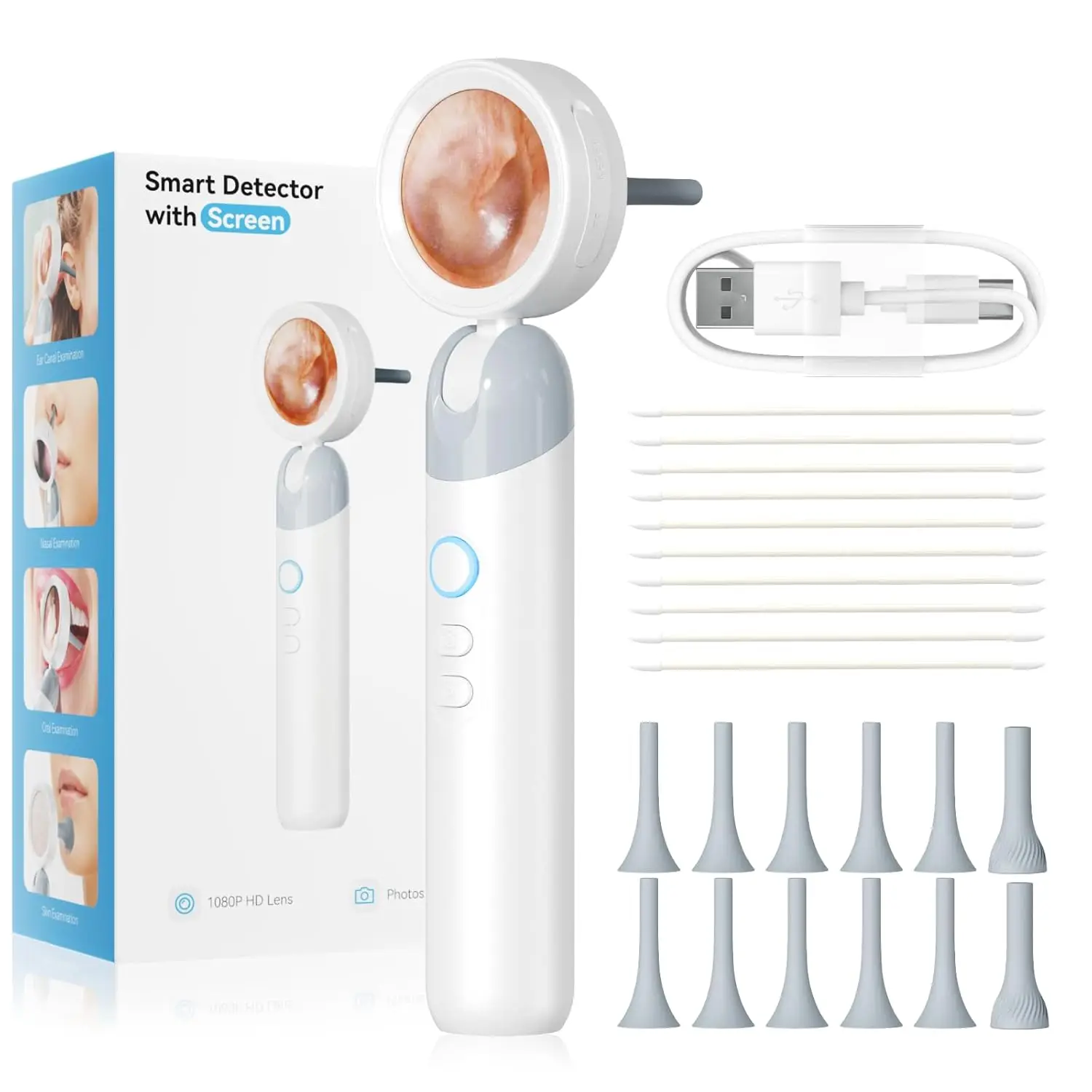
1080P Visual Ear Camera Ear Mouth Check 2M Pixels Camera Ear Wax Cleaner Camera for Ears Nose Skin Support 90° Rotating Heads
₦77,600
1080P Visual Ear Camera Ear Mouth Check 2M Pixels Camera Ear Wax Cleaner Camera for Ears Nose Skin Support 90° Rotating Heads About this Visual Ear Camera: 1. Smart Inspector: This product is a portable smart screen detector with a high-definition camera, 1920*1080 pixels, and a large 2000mAh battery. 2. Video and photo storage: supports module LED light brightness adjustment, optical magnification, photo storage, Can be Expanded Memory Card insertion for video storage, stored photo browsing, and deletion. 3. Open and Play: Ready to use after powering on, no need to connect to a third-party APP, Type-C port can be expanded to display a third-party screen simultaneously. 4. 2 types of inspection covers: different inspection and observation covers can be replaced to meet the observation of different usage scenarios. Product specifications: Screen parameters: 1.38 inches, IPS full viewing angle, PPI 246 Image sensor: COMS Lens level: high-precision endoscope Focus mode: fixed focus, optimal working distance 1.4-2CM Image format: JPG Video format: AVI Battery capacity: 2000mAh Input current: 5V 1A Working time: about 8H Charging time: about 3H PC operating system: Windows vista/XP/7/8/10/11 MacOS X11.0 or higher Packing list: 1x Visual Ear Camera ( Memory Card is not include ) 10x Ear Canal observation cover 2x Skin observation cover 1x Type C cable 1xInstruction manual Note: Dear customers, please note that this product is a microscope/magnifier. The correct way to observe is to get 1.4-2cm close to the object. If you exceed this range, the screen display will be blurry. Please know that before purchasing. Qeustion&Answer: Q: The device cannot be charged A:(1) Replace the Type-C data cable with a normal one. (2) Turn on the main power of the power supply device (e.g. extension board power, computer power). Q: The computer cannot be connected A:(1) Plug the data cable tightly, replace the data cable or use the original data cable. (2) The microscope host is not turn
Color
Share this product
Send it to friends, groups or your status — the link opens straight to this page.
You may also like
Beauty & Health
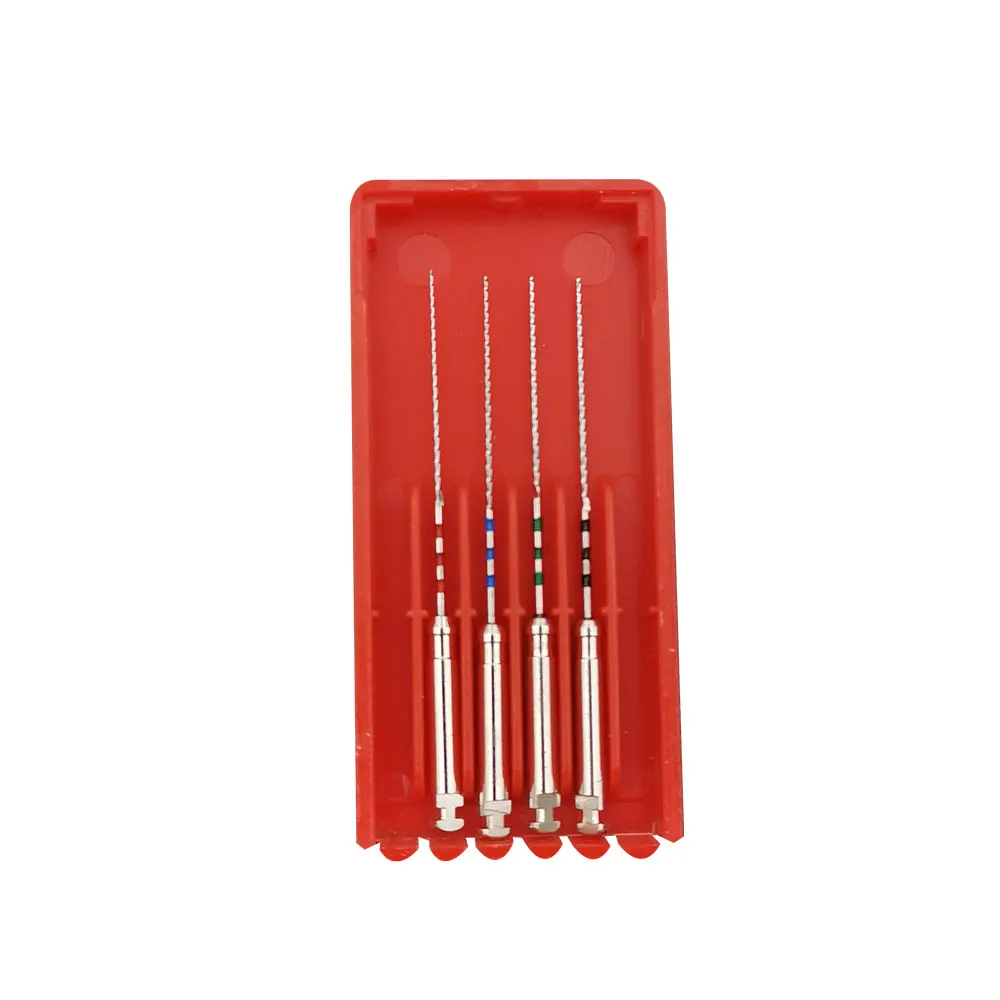
Dental Endo Files Gutta Condensor 60# 70# 80# MacSpadden Condensor Files 25-40# 21mm Root Canal Retreatment Endodontic files
₦29,050
Beauty & Health
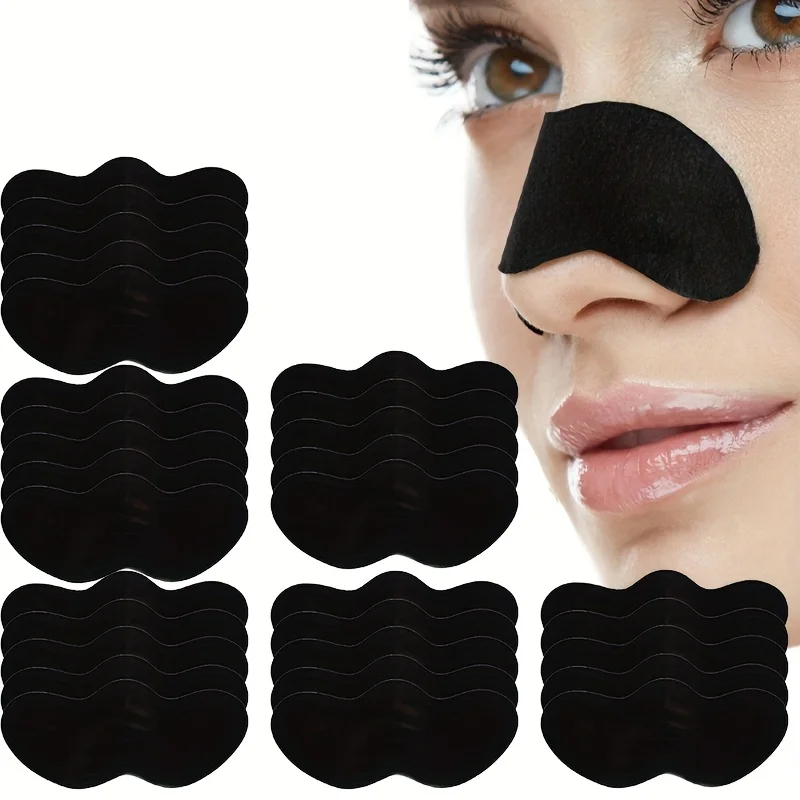
10/20/50/100 Pieces Deep Cleansing Nose Pores And Blackheads - Nose Cleaning Patch, Cleansing Facial Care Tool
₦4,750

Beauty & Health
Tooth Whitening Powder - Natural Whitening and Deep Cleaning for Men and Women, Fresh Breath Daily Toothpaste
₦11,900
Beauty & Health
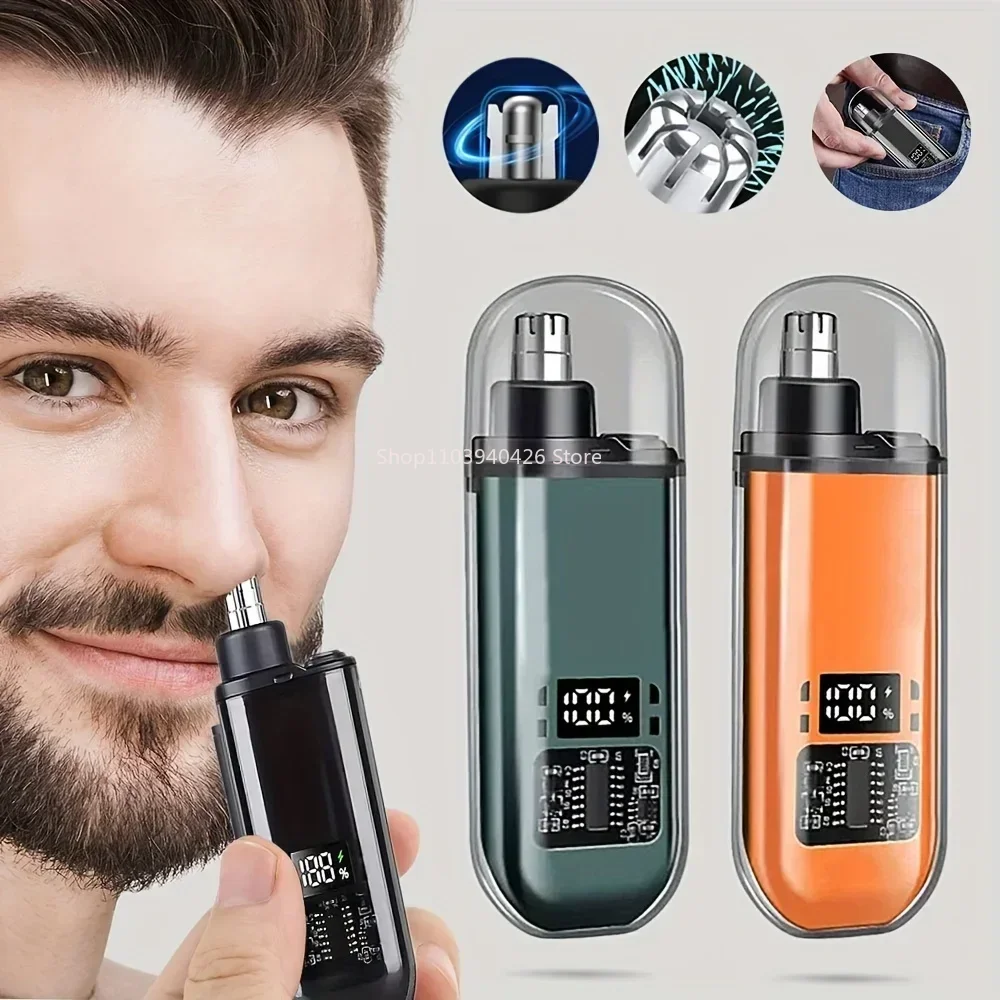
Electric Nose & Ear Trimmers for Men USB Rechargeable Portable Mini Compact Design with Fast Charge Electric Grooming Kit
₦10,050